





LEGALFLY understands visuals, not just text
Legal documents don't communicate in text alone. Performance graphs, organisational charts, compliance tables presented as scanned images, embedded diagrams — this is how real documents work, and until now, that information sat outside the reach of AI-assisted review.
Discovery now reads visuals. Whether an image is embedded inside a document or uploaded as a standalone file, LEGALFLY describes what it sees, extracts the underlying data, and makes it available for your review just like any other piece of content.
In practice, that means:
Upload a regulatory report with an embedded performance graph. LEGALFLY reads the trend, not just the footnote referencing it
Share an organisational chart. LEGALFLY understands the reporting structure and can answer questions about it
Drop in a scanned filing with a compliance table presented as an image. LEGALFLY pulls the data out
Every page. Every visual. Every data point.
Most teams using LEGALFLY cut their contract review time in half within a few weeks of onboarding. Book a short demo to see how it works for your business.
Discovery: source highlights when opening results
When a Discovery result references a source, whether that's a website or a SharePoint file, opening it now takes you directly to the relevant snippet. The passage that informed the answer is highlighted as soon as the file or page loads, so you can verify the source without hunting through the document yourself. Learn more about Discovery.
Arabic and GCC legal knowledge, now in Discovery
LEGALFLY has partnered with Qistas, the Arab world's leading AI-powered legal knowledge platform, to bring GCC and Arabic legal knowledge directly into Discovery.
For corporate legal teams across the GCC, this matters. Until now, most legal AI tools weren't built for the region — they didn't understand Arabic law, local jurisdictions, or the nuances of the GCC legal landscape. That changes with this integration.
Qistas is now available as a knowledge source in Discovery. Ask a question, and Discovery will pull the relevant data from Qistas alongside your other sources. From there, you can keep asking questions to unpack and explore the results, the same way you would with any other content in Discovery.
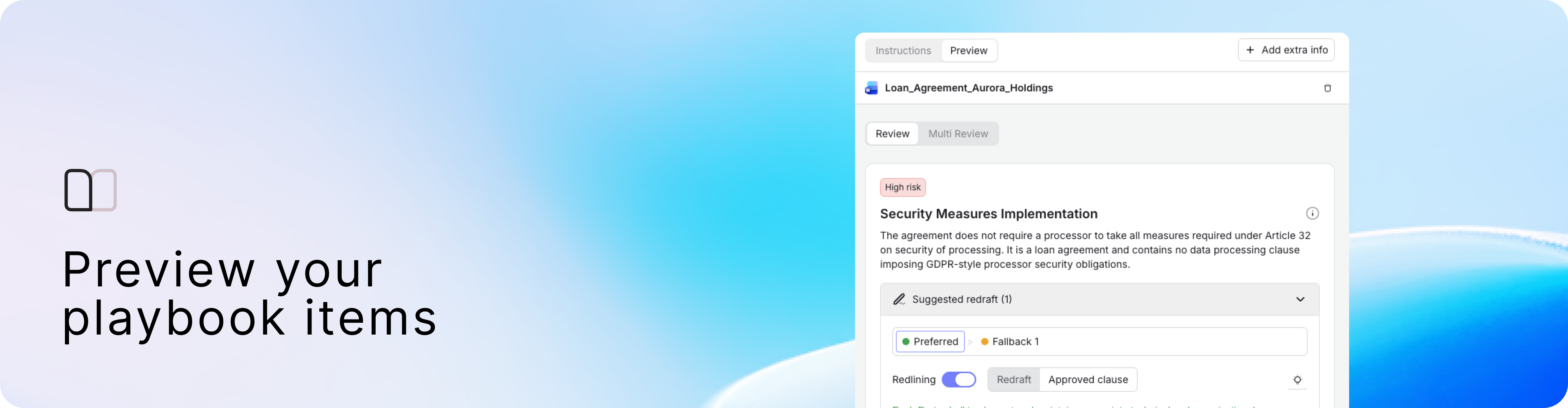
Playbook: preview before you publish
Upload a document in Preview once, and it stays in place as you work through your check items, giving you a consistent view of how each one performs against real contract language.
The results are clearer too. Where a playbook item has rules, an approved clause, or fallback positions defined, the Preview now surfaces suggested redrafts based on the document you've uploaded. You get a complete picture of how the playbook will behave in a live review, without the back and forth.
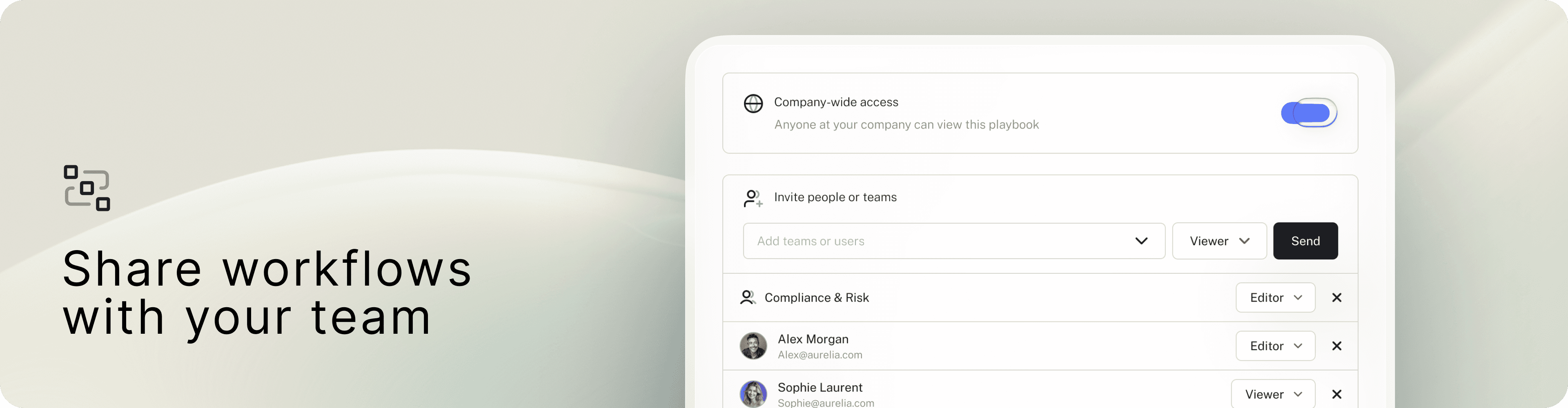
Agent Studio Workflows: share with your organisation
Workflows can now be shared across your organisation. When sharing, you control the permissions, view or edit, so you decide who can use a workflow and who can modify it.
New UI: card grid, sorting, and search
The Agents and Workflows list pages have been redesigned. Both now use a card grid layout with sorting and search built in. You can filter agents by sharing level, and there's a clear visual distinction between LEGALFLY system agents and the ones your team has created. Learn more about Agent Studio.
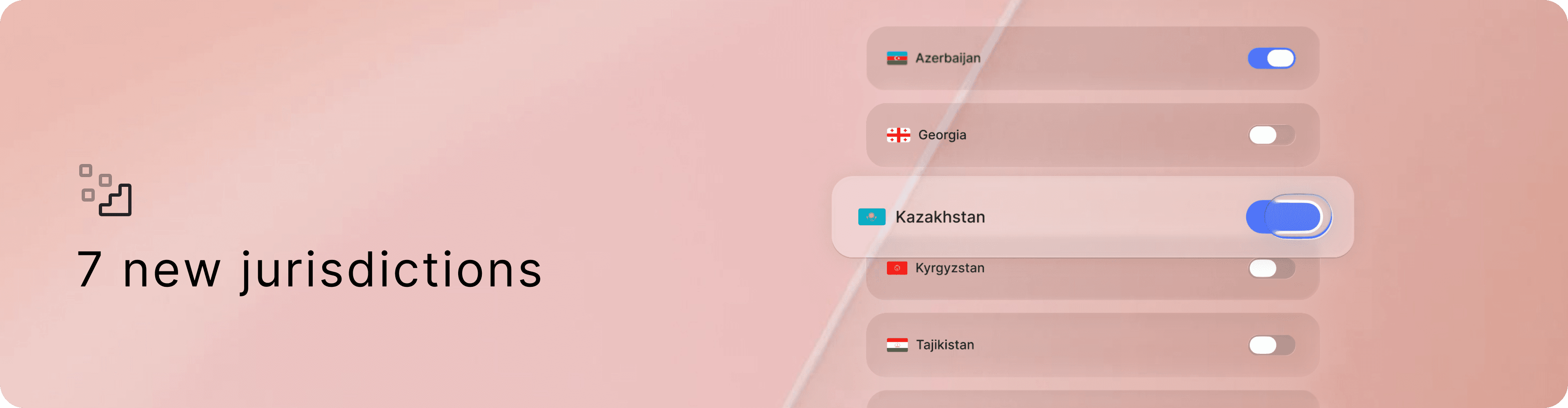
Seven new jurisdictions in Knowledge Collections
Knowledge Collections now covers Azerbaijan, Georgia, Kazakhstan, Kyrgyzstan, Tajikistan, Uzbekistan, and Slovenia. The list keeps growing.
Learn more about Knowledge Collections.
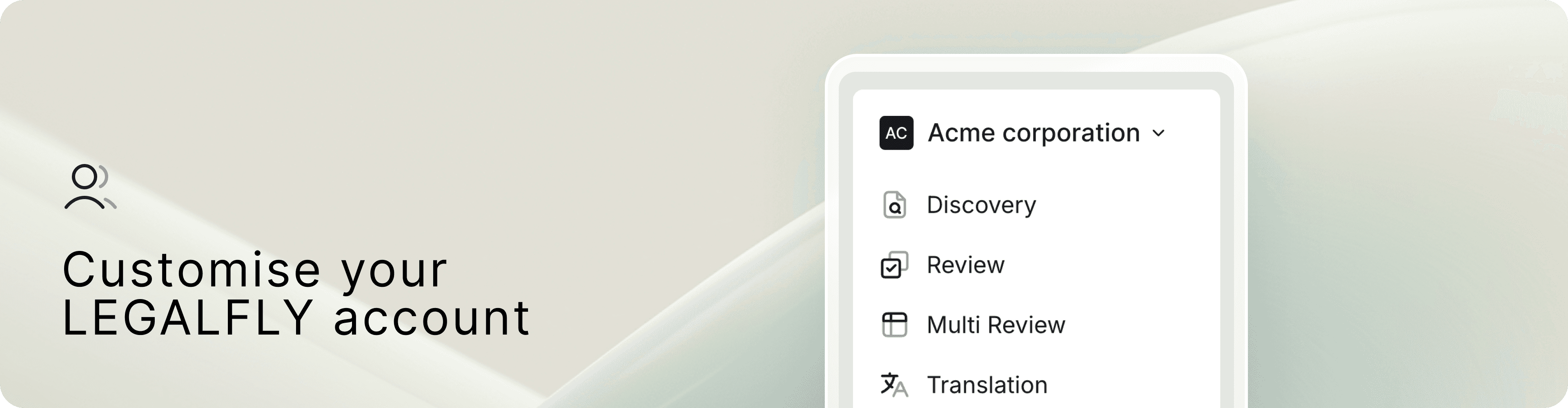
Your workspace, your brand
The LEGALFLY logo in the top navigation has been replaced with your organisation's own name and logo, giving each user a personalised legal workspace from the moment they log in.
Clicking the organisation name in the top-left opens a dropdown to access Settings. And under Settings > Organisation, a new "Import from website" feature pulls your company description and logo directly from your website, no manual uploading required.