






AI Contract Drafting
Drafts that match your standards
AI Contract Drafting
Drafts that match your standards
Generate first contract drafts that follow your playbooks and risk posture. Fewer iterations. Faster execution. Higher confidence.
Generate first contract drafts that follow your playbooks and risk posture. Fewer iterations. Faster execution. Higher confidence.
faster first drafts
faster first drafts
faster first drafts
document types supported
document types supported
document types supported
jurisdictions supported
jurisdictions supported
jurisdictions supported
Manual drafting creates errors, inconsistency and policy drift.
LEGALFLY generates first drafts using your approved language, fallback positions and risk standards, so every document is consistent, current and ready to review. Move faster, without losing control.
LEGALFLY generates first drafts using your approved language, fallback positions and risk standards, so every document is consistent, current and ready to review. Move faster, without losing control.
How does it work?
How does it work?
Draft in your standards, at speed
Draft in your standards, at speed
Watch a 1-minute walkthrough
Watch how teams use LEGALFLY to move from request to outcome: with transparant reasoning, playbook enforcement and enterprise-grade security.
Insights & expertise
Insights & expertise
Learn more about Drafting
Learn more about Drafting
Learn more about Drafting


AI Contract Drafting FAQ.
AI Contract Drafting FAQ.
Got questions? We’ve got answers.

Templates are the blueprint of your contract. You create them once, and your team can reuse them endlessly. They ensure drafting is fast, consistent, and low-risk by eliminating manual copy-paste work and preventing outdated or incorrect clauses from slipping in.
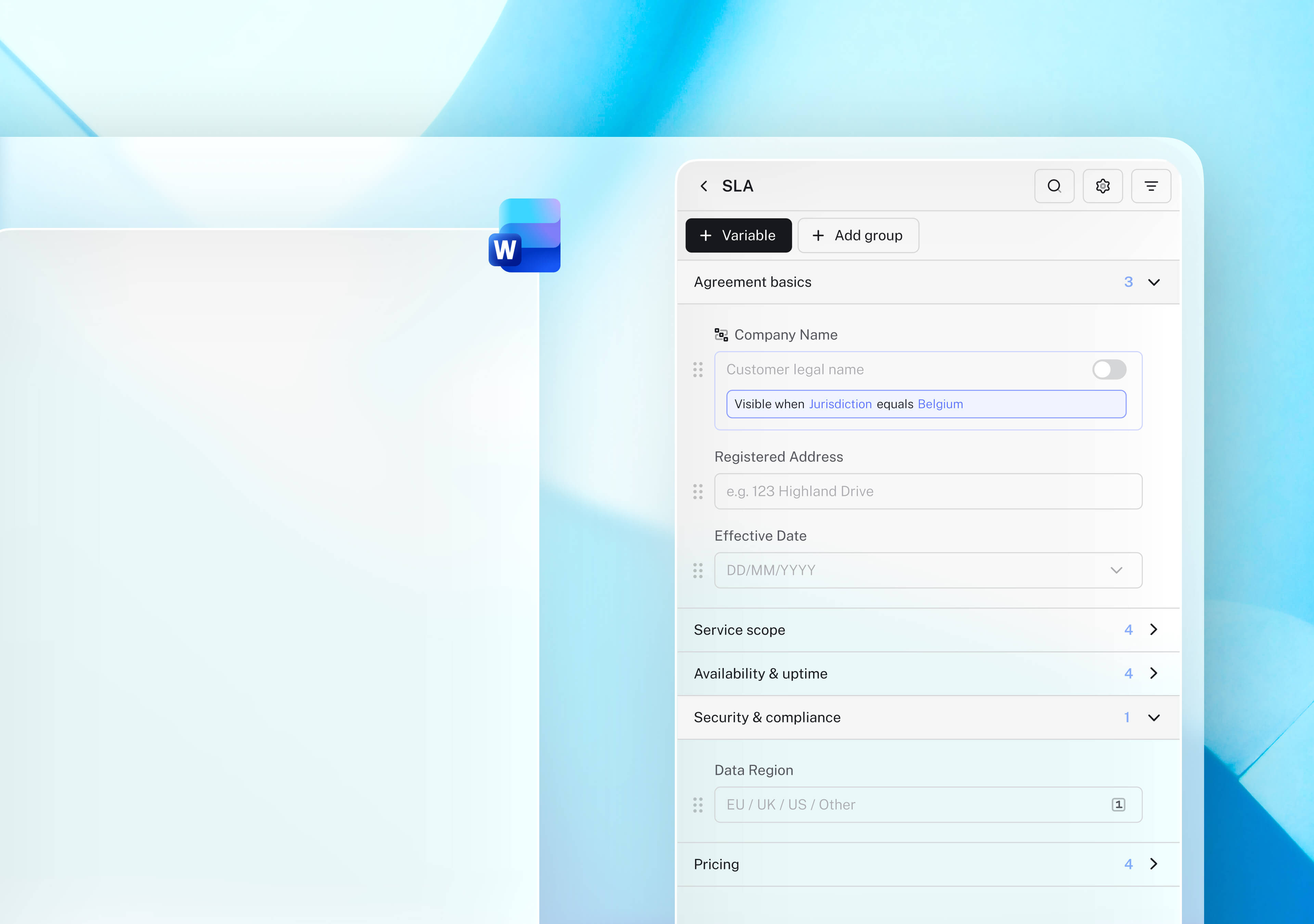
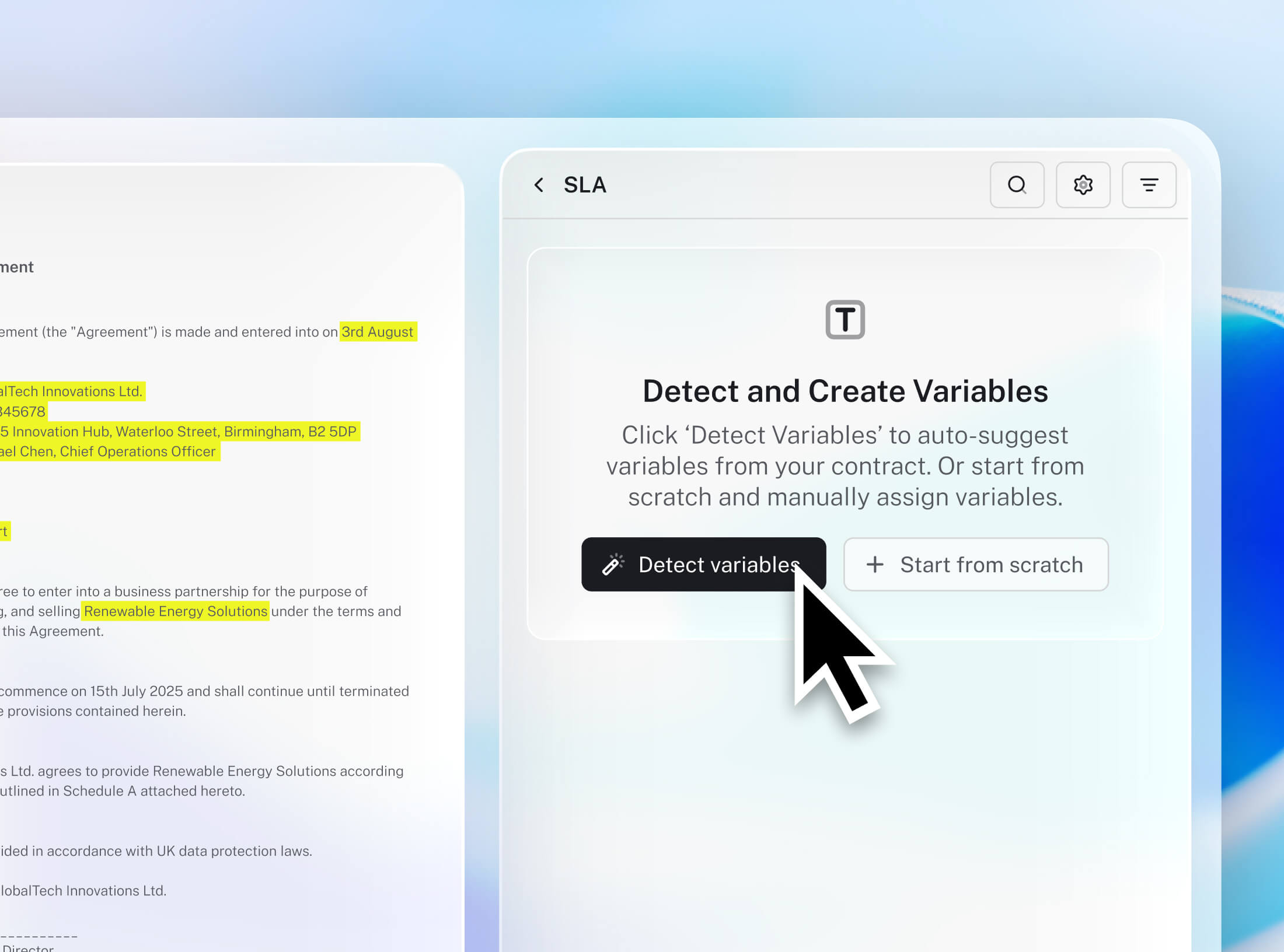
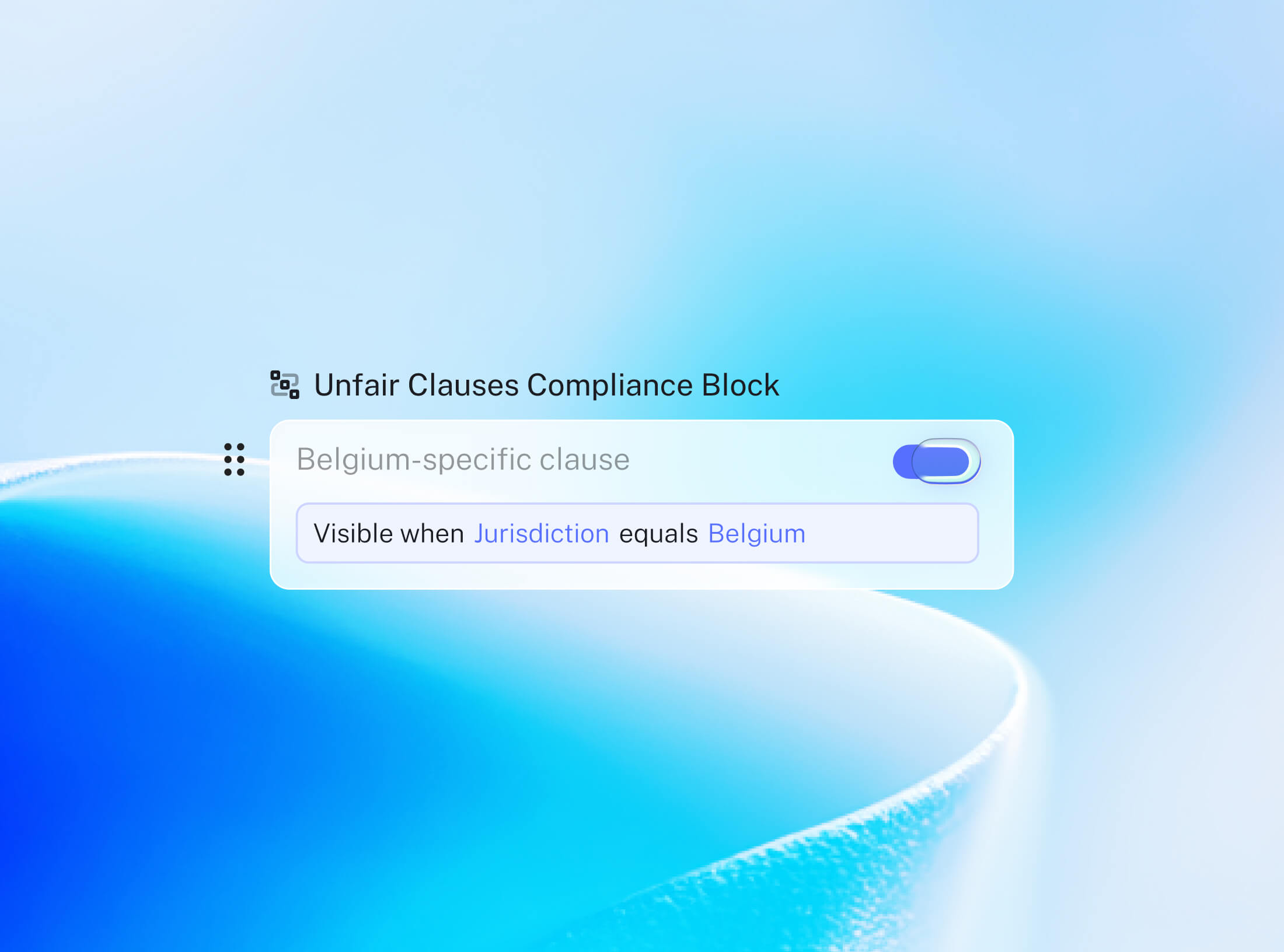
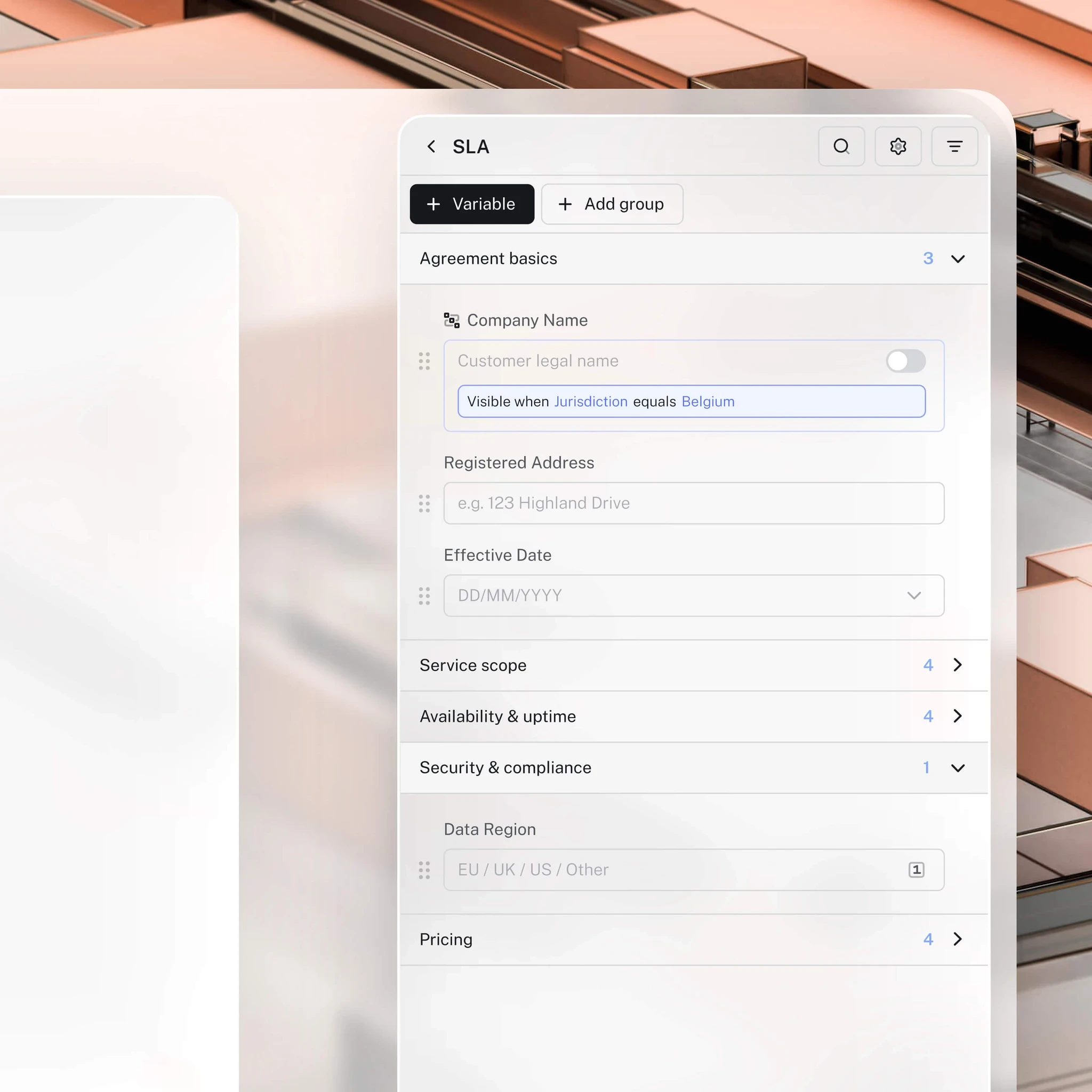
You can turn any existing contract into a smart template in seconds. LEGALFLY automatically detects variables throughout your document, covering about 90% of the setup for you. From there, you can refine the template with conditional logic and additional customization to match your standards.
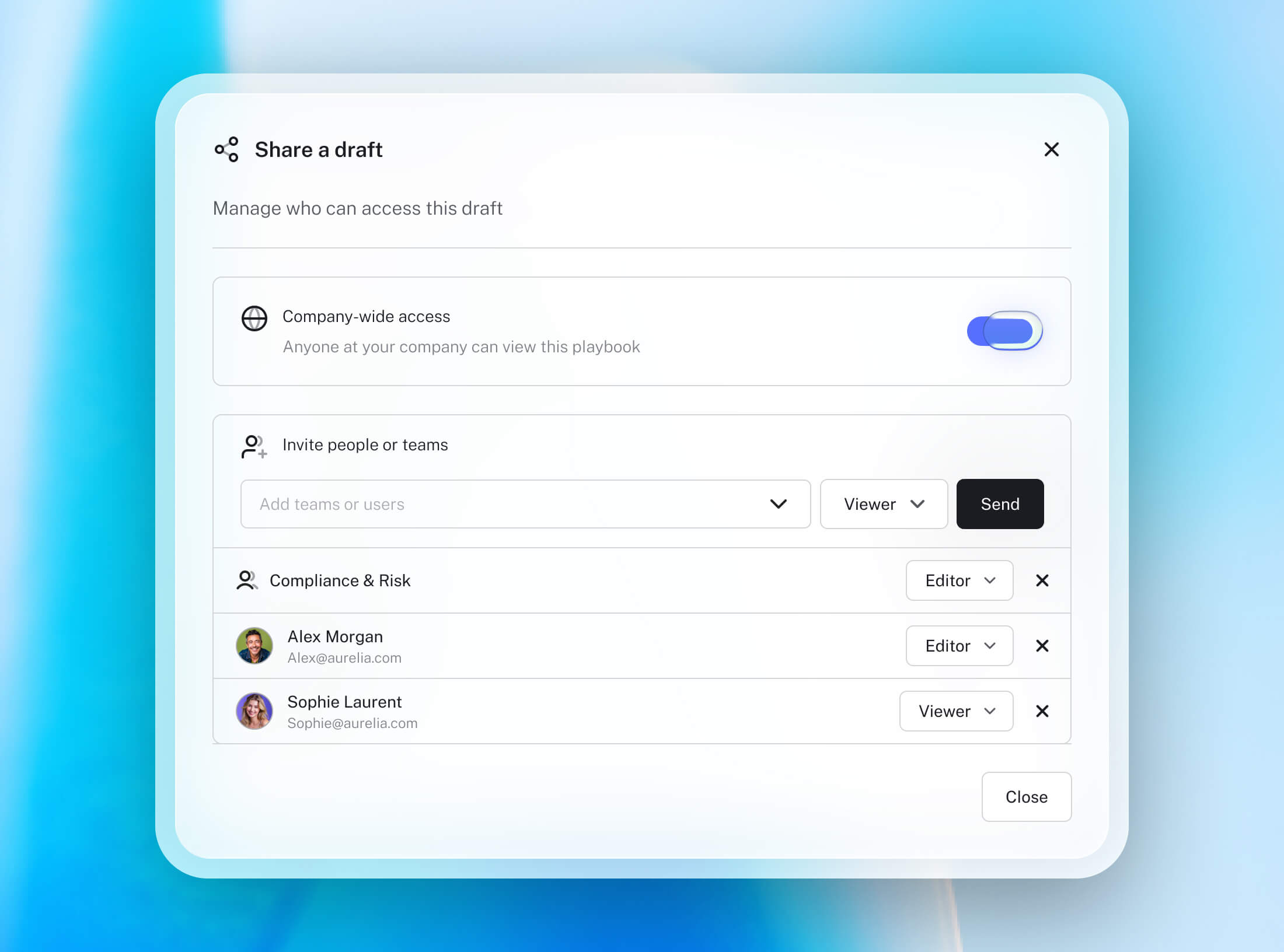
Yes. Template owners can share templates with the entire organization, specific teams, or individual users. Shared templates ensure that everyone drafts consistently and efficiently—using the latest approved language every time
Fully. All drafting happens in your existing workflow.
Variables are the fields in your template that need input, such as names, dates, amounts, or clauses that depend on deal specifics. LEGALFLY automatically detects variables across your document, giving you a major head start when building templates. When drafting, users simply fill in the variables, making document creation simple, intuitive, and highly scalable.
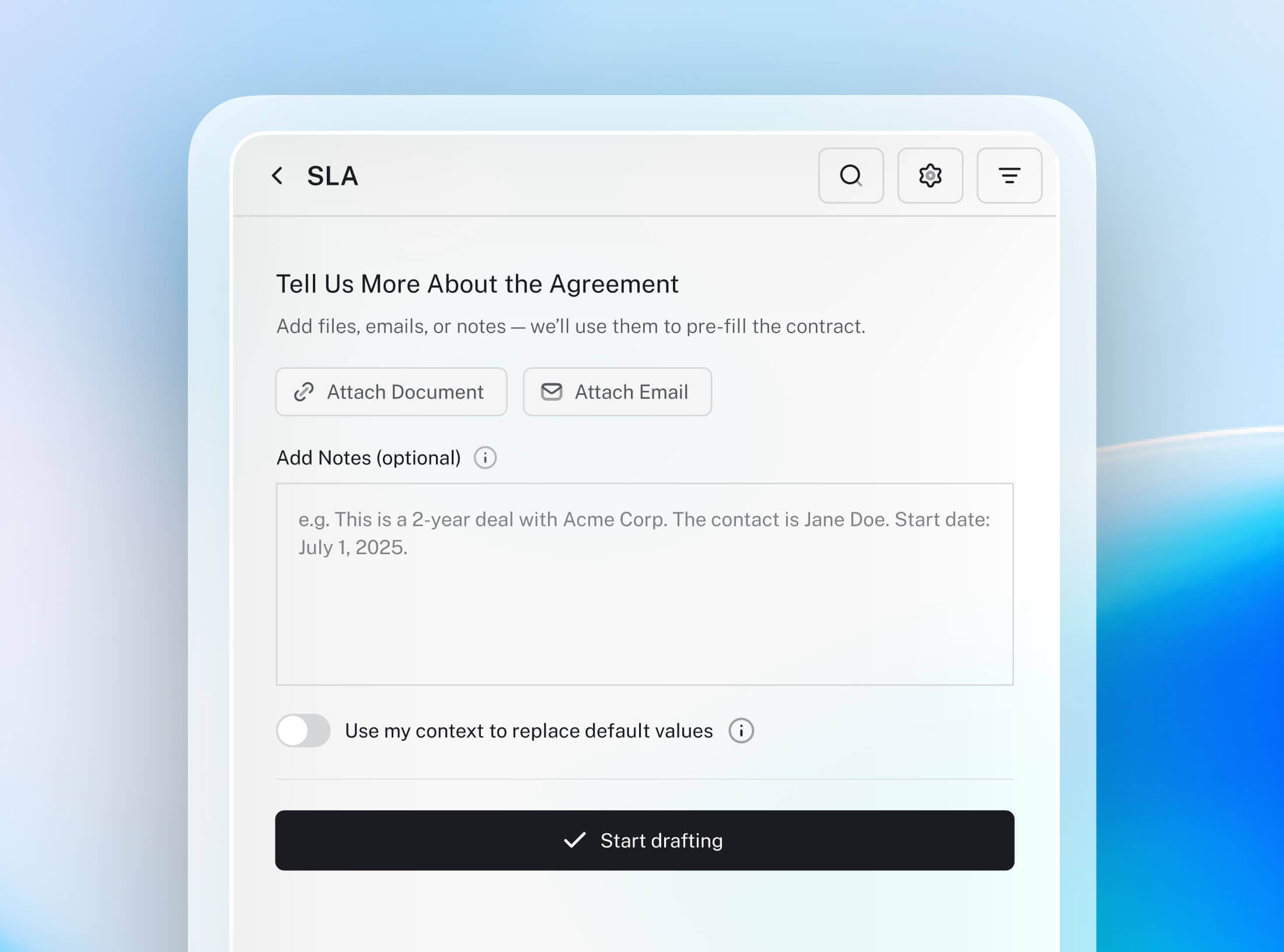
When starting a draft, you can upload supporting documents, PDFs, Word files, or even emails. LEGALFLY analyses the content and automatically fills in all relevant variables for you. The system uses the context provided to produce an accurate, high-quality draft instantly.
Most AI contract drafting tools generate a document from a generic template and a prompt. LEGALFLY drafts from your own approved language, applying clause logic based on jurisdiction, deal context and risk profile, so the first draft already reflects the positions your team agreed. Templates are built from contracts you have already signed rather than assembled from scratch, and drafting happens inside Microsoft Word with the same playbook enforcement and audit trail as the rest of the platform.
Drafting runs inside Microsoft Word, so there is no new interface to learn and no change to how a document gets written. The lawyer keeps every decision: LEGALFLY produces the first draft from your approved language, and the team edits, overrides or rejects anything it suggests. Teams typically start with one contract type, prove it on real work, then extend to the rest, which is why onboarding is measured in days rather than months.
Templates are the blueprint of your contract. You create them once, and your team can reuse them endlessly. They ensure drafting is fast, consistent, and low-risk by eliminating manual copy-paste work and preventing outdated or incorrect clauses from slipping in.
You can turn any existing contract into a smart template in seconds. LEGALFLY automatically detects variables throughout your document, covering about 90% of the setup for you. From there, you can refine the template with conditional logic and additional customization to match your standards.
Yes. Template owners can share templates with the entire organization, specific teams, or individual users. Shared templates ensure that everyone drafts consistently and efficiently—using the latest approved language every time
Fully. All drafting happens in your existing workflow.
Variables are the fields in your template that need input, such as names, dates, amounts, or clauses that depend on deal specifics. LEGALFLY automatically detects variables across your document, giving you a major head start when building templates. When drafting, users simply fill in the variables, making document creation simple, intuitive, and highly scalable.
When starting a draft, you can upload supporting documents, PDFs, Word files, or even emails. LEGALFLY analyses the content and automatically fills in all relevant variables for you. The system uses the context provided to produce an accurate, high-quality draft instantly.
Most AI contract drafting tools generate a document from a generic template and a prompt. LEGALFLY drafts from your own approved language, applying clause logic based on jurisdiction, deal context and risk profile, so the first draft already reflects the positions your team agreed. Templates are built from contracts you have already signed rather than assembled from scratch, and drafting happens inside Microsoft Word with the same playbook enforcement and audit trail as the rest of the platform.
Drafting runs inside Microsoft Word, so there is no new interface to learn and no change to how a document gets written. The lawyer keeps every decision: LEGALFLY produces the first draft from your approved language, and the team edits, overrides or rejects anything it suggests. Teams typically start with one contract type, prove it on real work, then extend to the rest, which is why onboarding is measured in days rather than months.
Templates are the blueprint of your contract. You create them once, and your team can reuse them endlessly. They ensure drafting is fast, consistent, and low-risk by eliminating manual copy-paste work and preventing outdated or incorrect clauses from slipping in.
You can turn any existing contract into a smart template in seconds. LEGALFLY automatically detects variables throughout your document, covering about 90% of the setup for you. From there, you can refine the template with conditional logic and additional customization to match your standards.
Yes. Template owners can share templates with the entire organization, specific teams, or individual users. Shared templates ensure that everyone drafts consistently and efficiently—using the latest approved language every time
Fully. All drafting happens in your existing workflow.
Variables are the fields in your template that need input, such as names, dates, amounts, or clauses that depend on deal specifics. LEGALFLY automatically detects variables across your document, giving you a major head start when building templates. When drafting, users simply fill in the variables, making document creation simple, intuitive, and highly scalable.
When starting a draft, you can upload supporting documents, PDFs, Word files, or even emails. LEGALFLY analyses the content and automatically fills in all relevant variables for you. The system uses the context provided to produce an accurate, high-quality draft instantly.
Most AI contract drafting tools generate a document from a generic template and a prompt. LEGALFLY drafts from your own approved language, applying clause logic based on jurisdiction, deal context and risk profile, so the first draft already reflects the positions your team agreed. Templates are built from contracts you have already signed rather than assembled from scratch, and drafting happens inside Microsoft Word with the same playbook enforcement and audit trail as the rest of the platform.
Drafting runs inside Microsoft Word, so there is no new interface to learn and no change to how a document gets written. The lawyer keeps every decision: LEGALFLY produces the first draft from your approved language, and the team edits, overrides or rejects anything it suggests. Teams typically start with one contract type, prove it on real work, then extend to the rest, which is why onboarding is measured in days rather than months.
From request to outcome
Learn how LEGALFLY routes, executes and governs legal work end-to-end, across every team, jurisdiction and workflow.

From request to outcome
Learn how LEGALFLY routes, executes and governs legal work end-to-end, across every team, jurisdiction and workflow.
From request to outcome
Learn how LEGALFLY routes, executes and governs legal work end-to-end, across every team, jurisdiction and workflow.
To find out how LEGALFLY could work for you, schedule a call with one of our experts.