





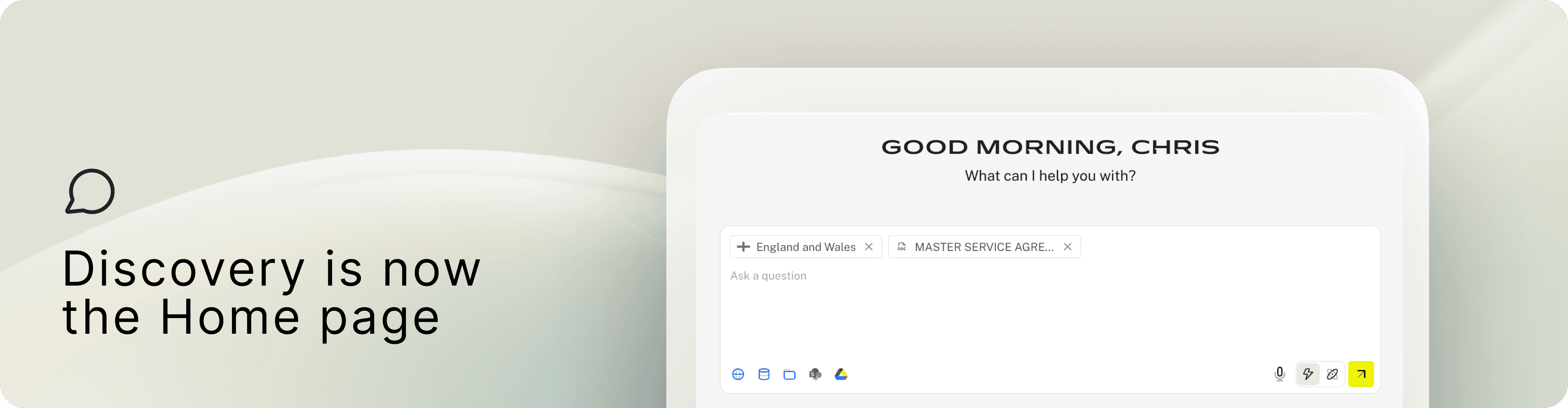
Discovery as the new Home page
To keep things focused and clean, Discovery has a fresh new look. The updated interface makes it easier to select the sources you want to research from, including direct legal sources, your own documents, and integrations with tools you already use. Learn more about Discovery agent.
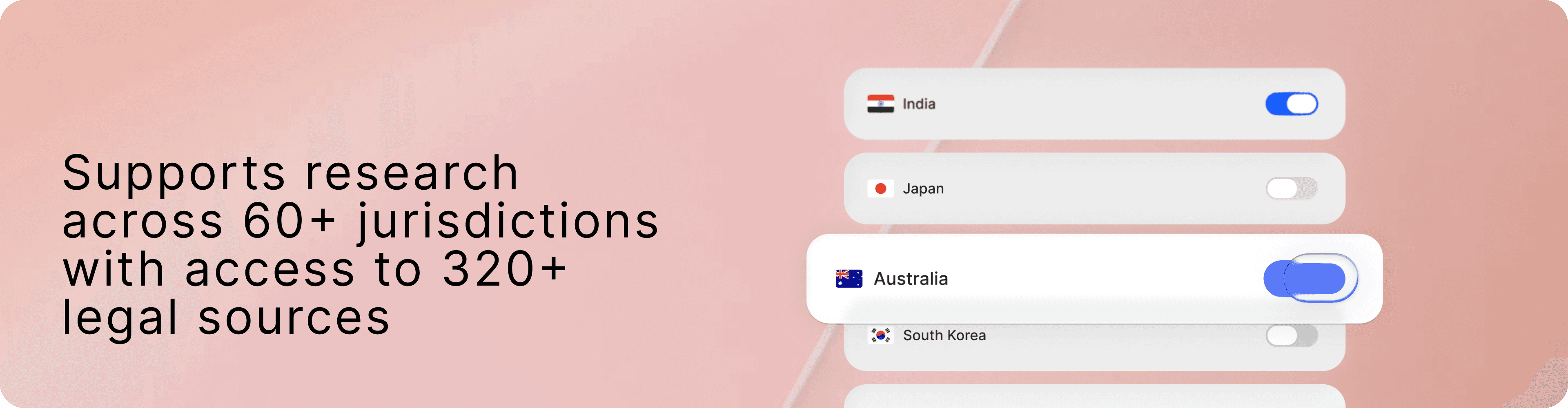
New jurisdictions and legal sources
With Discovery, you can now research across 60+ jurisdictions and reference 320+ direct legal sources, so your answers are grounded in clear, traceable citations.
Here’s a snapshot of some of the newly added jurisdictions: Philippines, Thailand, Singapore, Vietnam, Australia, India, Japan, South Korea, China, Malaysia, Turkey, Andorra, Gabon, Bulgaria, and North Carolina.
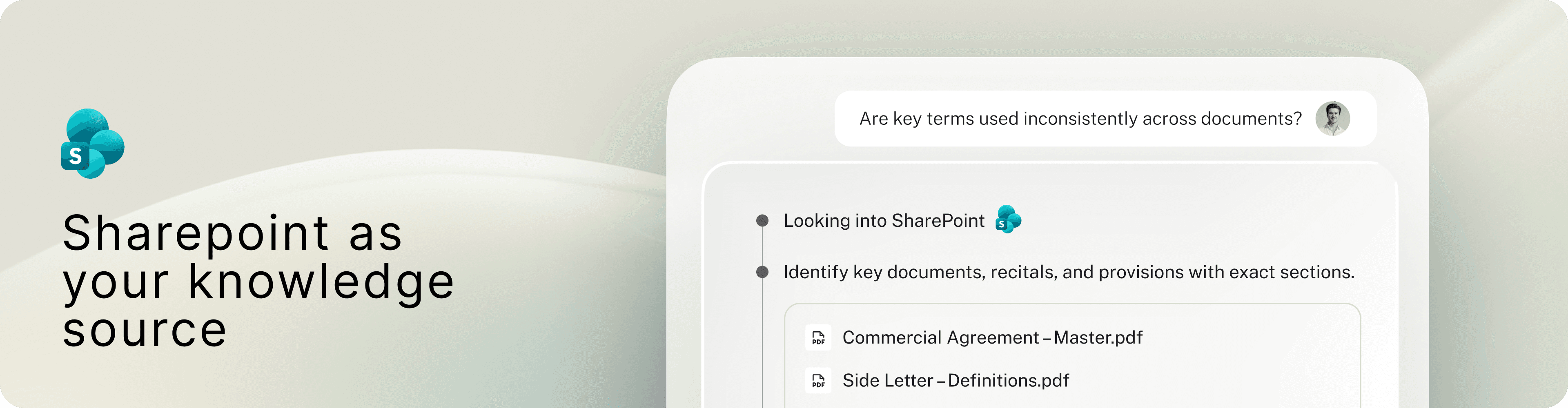
SharePoint as your knowledge source
Using SharePoint MCP (Model Context Protocol), LEGALFLY can now read and analyse the documents your team already stores in SharePoint. No downloading. No re-uploading.
Select SharePoint as a source, ask your legal question, and Discovery will:
Find the right documents in SharePoint
Use them as the basis for its analysis
Reference each file in the answer so you can click back to the original
New Playbook builder
Playbooks in LEGALFLY have taken a big step forward. Strong playbooks are the foundation of accurate, consistent contract review. With the updated playbook builder, LEGALFLY can now automatically generate a complete playbook from your internal guidelines or “golden” contracts, covering:
The key information to extract
The checks and assessments to run
Your preferred positions and fallback language to apply
Everything is ready to use. Share playbooks with your team so everyone reviews contracts the same way, every time.
Use playbooks in Review and Multi review
Apply playbooks directly in Review and Multi review. LEGALFLY checks each clause against your rules, flags deviations, and suggests the right redraft when needed.
100+ playbooks available
Alongside your own playbooks, you can also use built-in LEGALFLY playbooks to get started right away.

Improved experience in contract review
You now have more flexibility in how you work with review results. If you have questions about what you’re seeing, just ask. The Discovery agent can jump in to help. For example, it can explain why a clause was flagged as high risk, or help you dig deeper with follow-up research on related topics.
We’ve also made the results overview cleaner. Items that passed checks or were skipped are now hidden by default, so you can focus on what needs attention. You can expand the list at any time to see everything in full detail.
Finally, each check now includes an info icon. Hover over it to view the exact playbook question used for that review item, so you can quickly understand what the check is assessing and why. Learn more about Review agent.
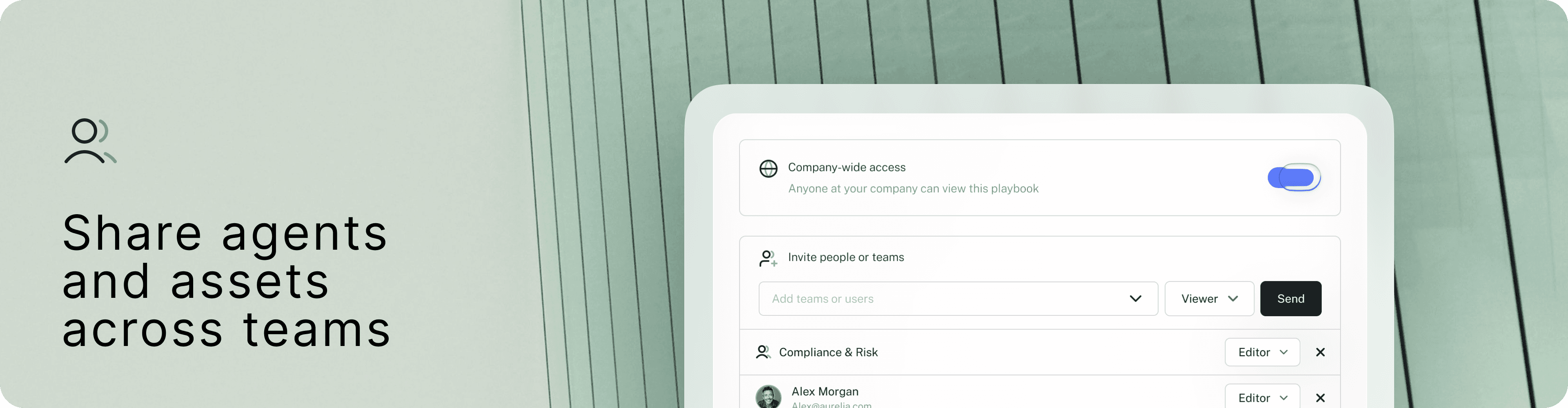
Team sharing & collaboration
Team sharing has been expanded across key areas of the platform, including Review and Multi review, Legal radar, custom agents, documents and folders, and playbooks. This makes it easier to standardise how teams work and reuse the same set-ups across the organisation. Permission controls help you manage who can access and manage shared assets.
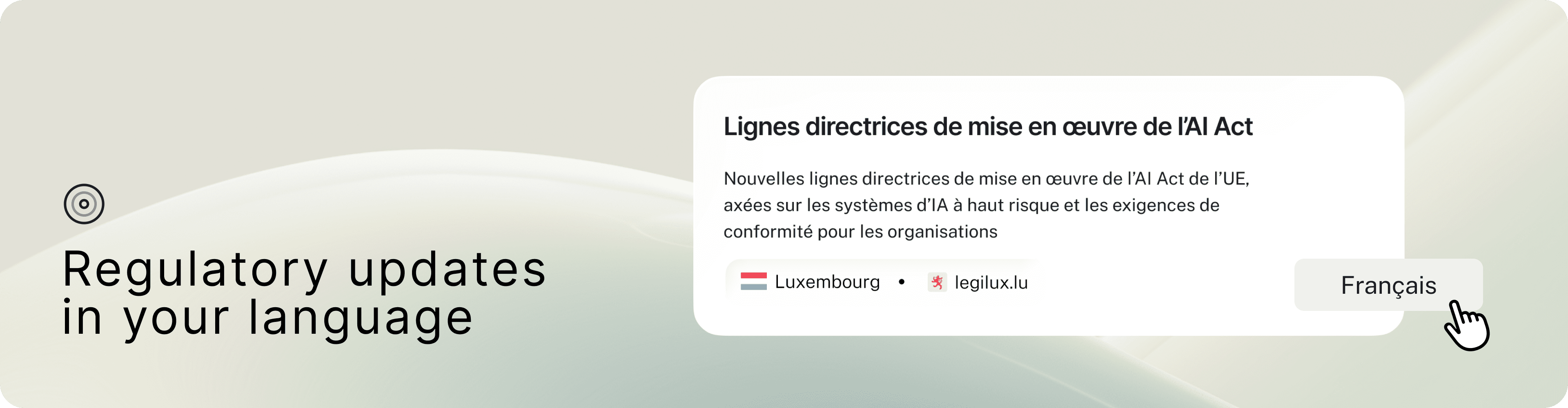
Regulatory updates in your preferred language
Legal radar now displays updates based on your Profile language settings. Even when the same radar is shared across teams, each user will see the updates translated into their preferred language. Learn more about Legal radar.