






Automate end-to-end legal workflows with Agent Studio
Most legal AI tools automate one task at a time. Agent Studio automates the entire workflow, built around your organisation's logic, playbooks, and approval flows.
With Agent Studio Workflows, you can:
Start where your team already works. Trigger workflows automatically from email, Slack, Teams, or manually.
Power every legal task with LEGALFLY agents. From contract review to due diligence and legal research, or build custom agents for your specific use cases.
Route work automatically. Conditional logic triggers follow-ups and escalates when thresholds are met.
Keep humans in control. Set approval and review steps where a decision is needed, without managing every step.
Notify the right people. When work is done or needs attention, the right person is informed automatically.
Most teams using LEGALFLY cut their contract review time in half within a few weeks of onboarding. Book a short demo to see how it works for your business.
Work moves automatically. Legal stays in control. Learn more about Agent Studio.
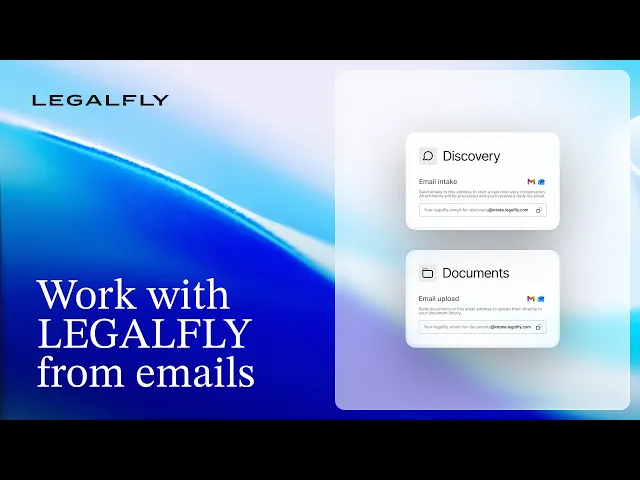
Work with LEGALFLY from emails
LEGALFLY now works directly from your inbox. Every account comes with two dedicated email addresses: one for Discovery, one for document uploads. Send a legal question, forward a contract, and LEGALFLY responds in the same thread. No login. No context switching.

Complete US jurisdiction coverage
LEGALFLY now covers all US jurisdictions, completing our North American legal coverage.
In total, LEGALFLY supports 110+ jurisdictions worldwide with over 500 verified legal sources, giving your team reliable, up-to-date legal grounding wherever you operate.

Edit Excel files in Discovery
Discovery's bulk edit capability now extends to Excel files.
You can now work with Excel files directly in Discovery. From updating values across multiple files in a single step, to generating entirely new sheets, adding charts, and pulling in research, Discovery can read, edit, and build out Excel files the same way it works with any other document.
Excel editing is also available in Agent Studio Workflows, so you can automatically generate or update spreadsheets as part of a larger legal process. For example:
Run a regulatory research task, then output the findings into a structured compliance tracking sheet
Complete a contract review and populate a summary Excel file with key terms, risk flags, and recommended actions
Finish a due diligence workflow and generate a deal tracker with extracted data already filled in
Monitor regulatory updates via Legal Radar and push new developments into a living changelog spreadsheet

Flexibility in how you work with Discovery
Discovery automatically detects which sub-agent best fits your request. But when you want to be more specific, you can now manually select the sub-agent yourself — choosing directly between Review, Translate, or Draft.
The same flexibility extends to the prompt library. You can pre-select a sub-agent in your prompt settings for even more tailored workflows, and delete prompts you no longer need to keep things tidy.
Learn more about Discovery agent.
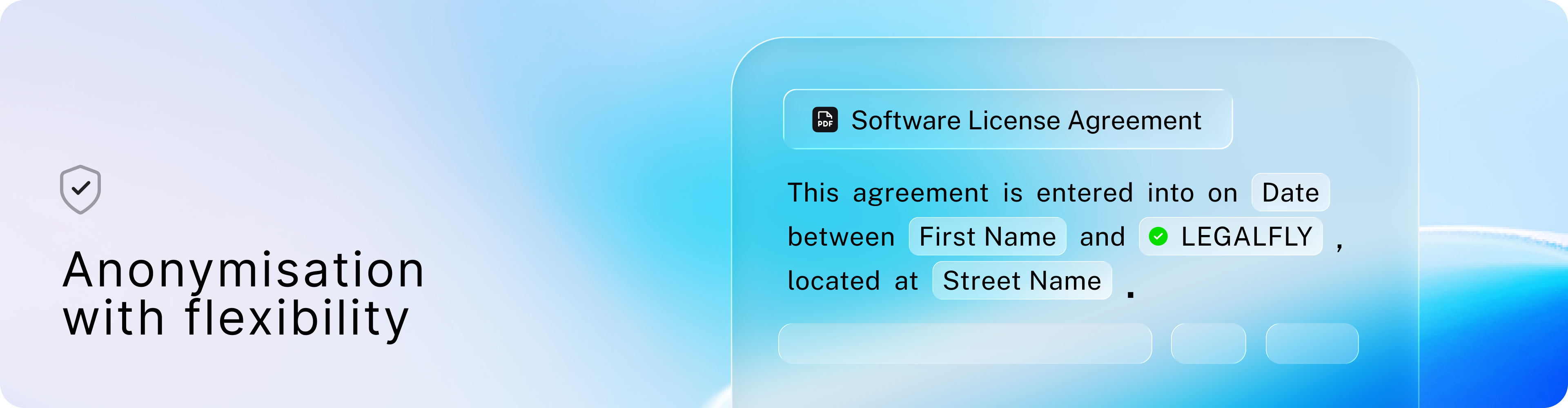
Customise your anonymisation scope
The new Anonymisation glossary gives you visibility and control over what gets redacted across every document and workflow in LEGALFLY. You can view the default entities the platform anonymises and add custom terms to expand coverage to organisation-specific data, giving teams more confidence that sensitive information is handled consistently, across every document and workflow. Learn more about Anonymisation.